Shaping a brand that helps parents grow.
Background
Howtotalk is a Dutch parenting brand that helps parents strengthen the bond with their children by teaching them gentle and respectful communication methods.
After delivering over 50k in-person training courses to parents and educators and selling over 110k books, they decided to expand the brand to the Howto Group.
The group consists of the following interlinked businesses:
- Howtotalk – parenting communication books and training resources
- Howtoplay – affordable, developmentally beneficial toys and furniture for babies and children
- Howtogrow – parenting courses and strategies app
Brief
- Refresh the Howtotalk brand identity, including new icons, social media and email templates, and a brand toolkit
- Shape the branding of the Howto Group
- Design a new website for the Howto Group that encompasses all three businesses
- Design the UX/UI of the Howtogrow app
Audience
Our primary audience is busy, well-educated mothers (25 to 45) who are heavily invested in the physical and emotional development of their children (0 to 12). They actively explore positive parenting techniques and seek advice from trusted experts on social media, such as Howtotalk, Hey Sleepy Baby and Big Little Feelings.
Many struggle to balance work, parenting, relationships and household tasks, which often leaves them feeling overwhelmed, especially during difficult phases like toddler boundary-testing.
They want to create a nurturing home and strong family bonds through practical strategies and developmentally beneficial activities.
Brand identity
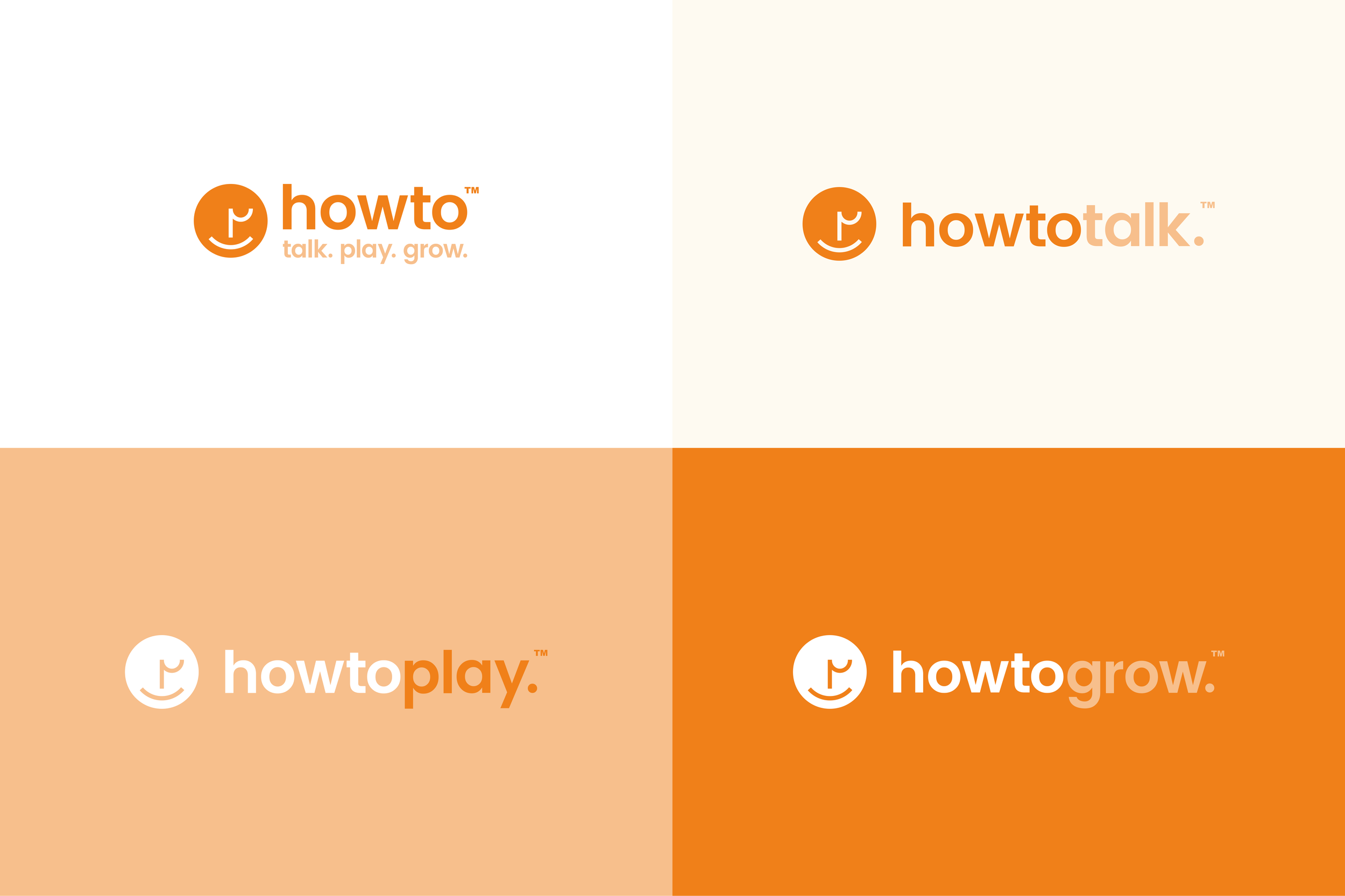
The Howto Group branding builds on the legacy Howtotalk identity, with a more refined colour palette and a modern, fresh feel.
Logos
Colour palette
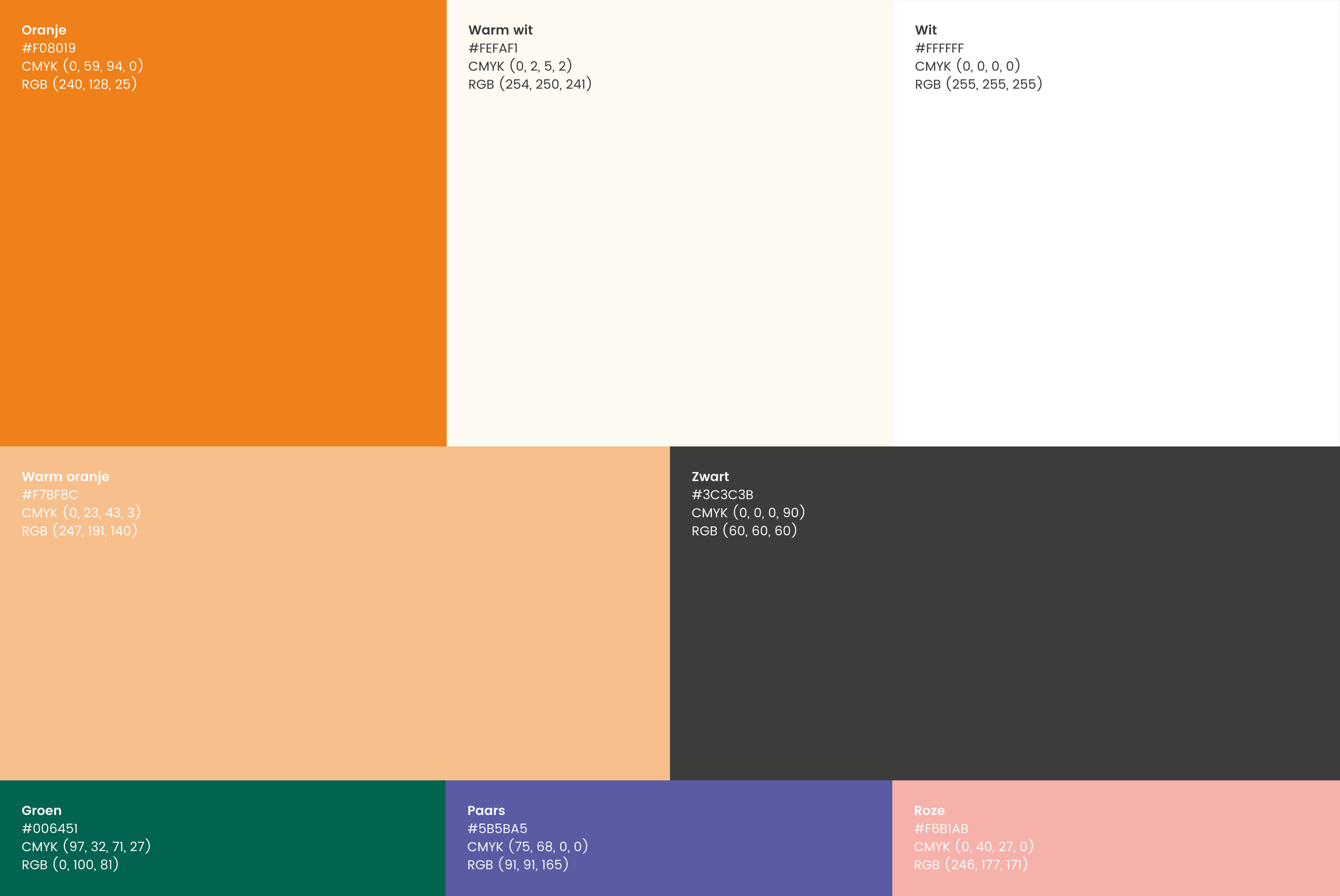
The legacy colour palette was developed by Poppyonto.
Typography
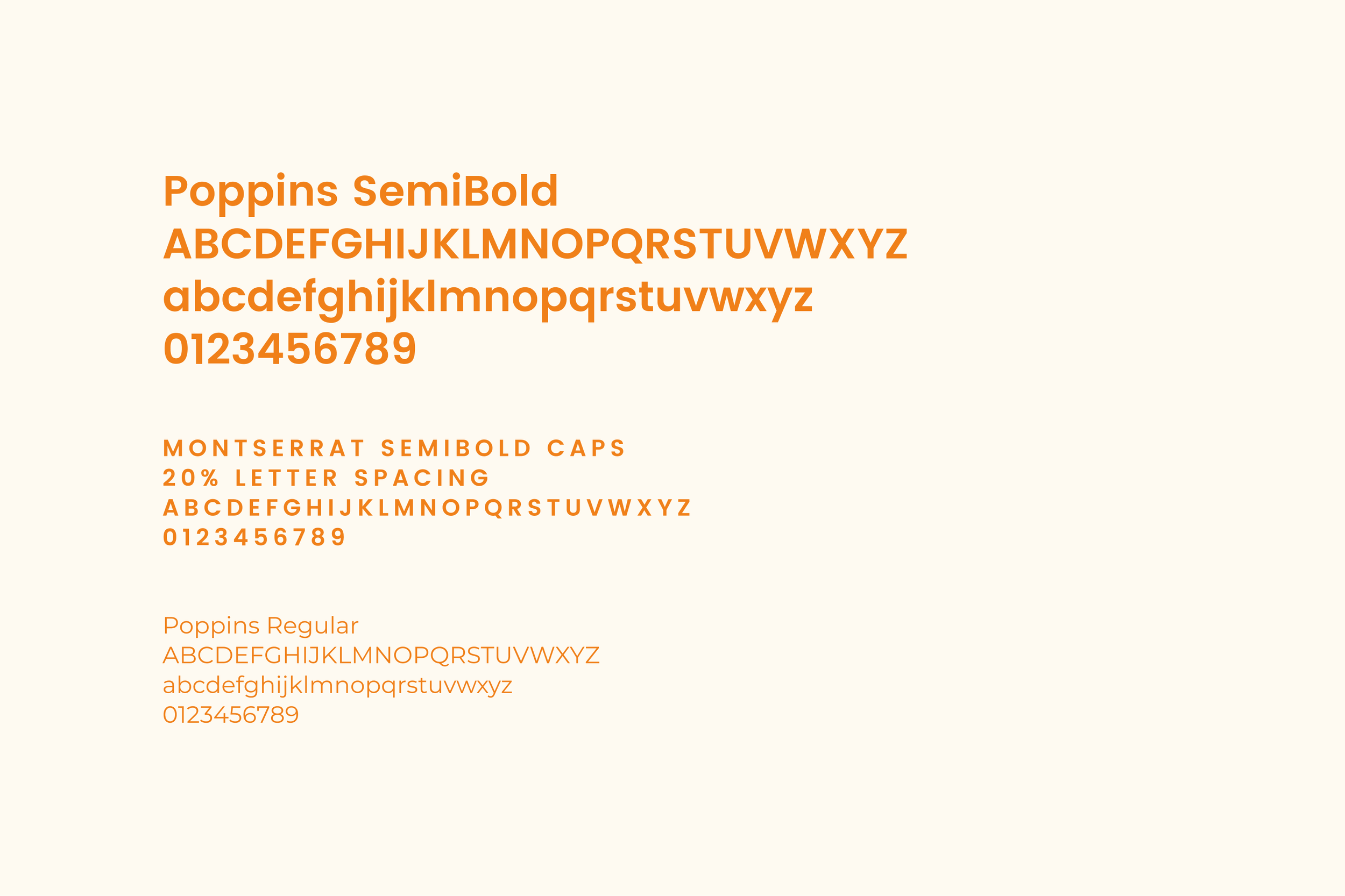
We chose to continue using Poppins for its clean, easy-to-read style.
Icons
Icon set 1: For functional areas of the website, emails and presentations.

Icon set 2: For illustrative use on the website and the Howtogrow app, with an expanded colour palette from the original Howtotalk brand toolkit.

Brand toolkit
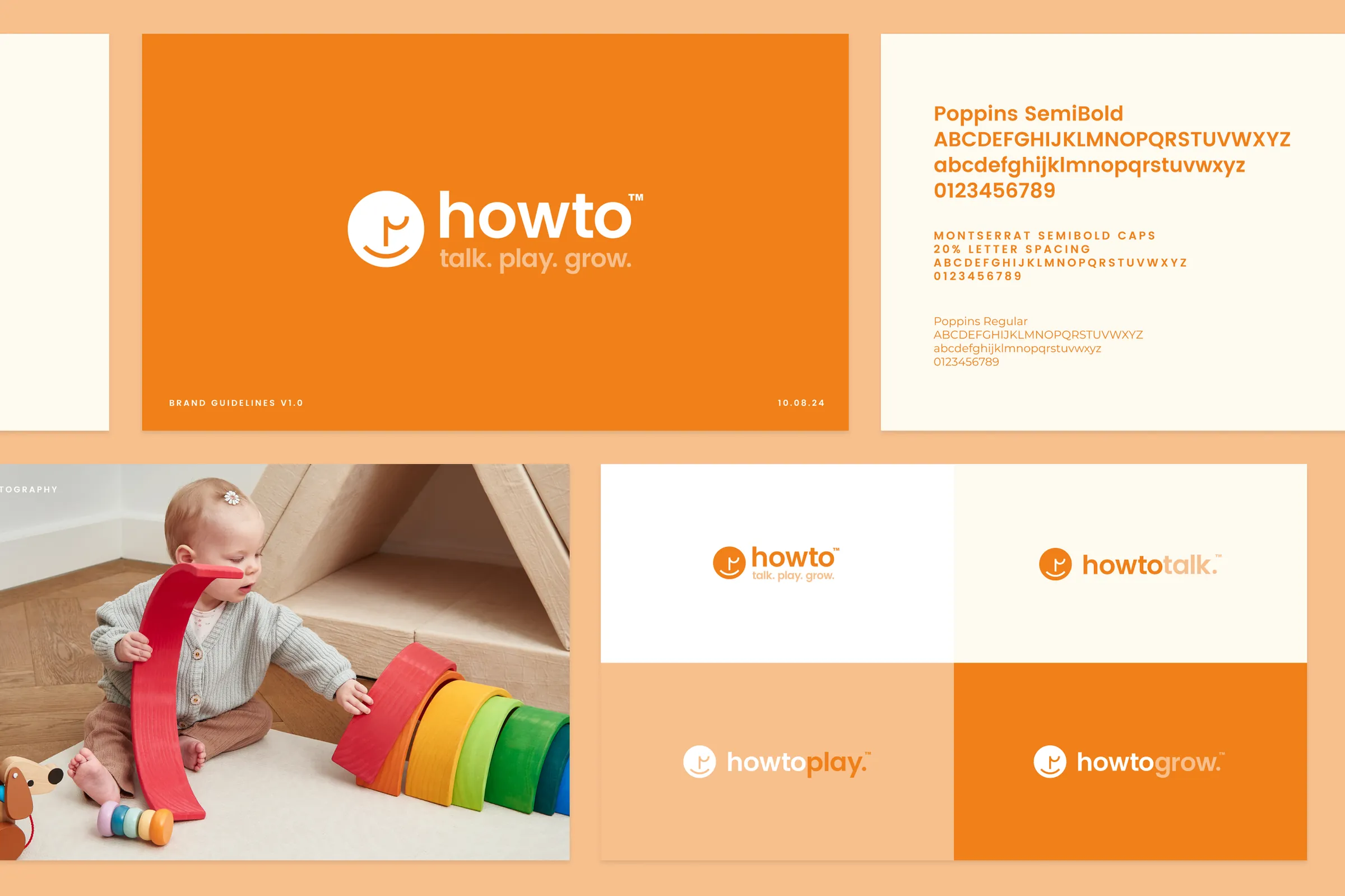
A brand toolkit so the team can apply the refreshed identity consistently across the website, social, email and print.
Website designs
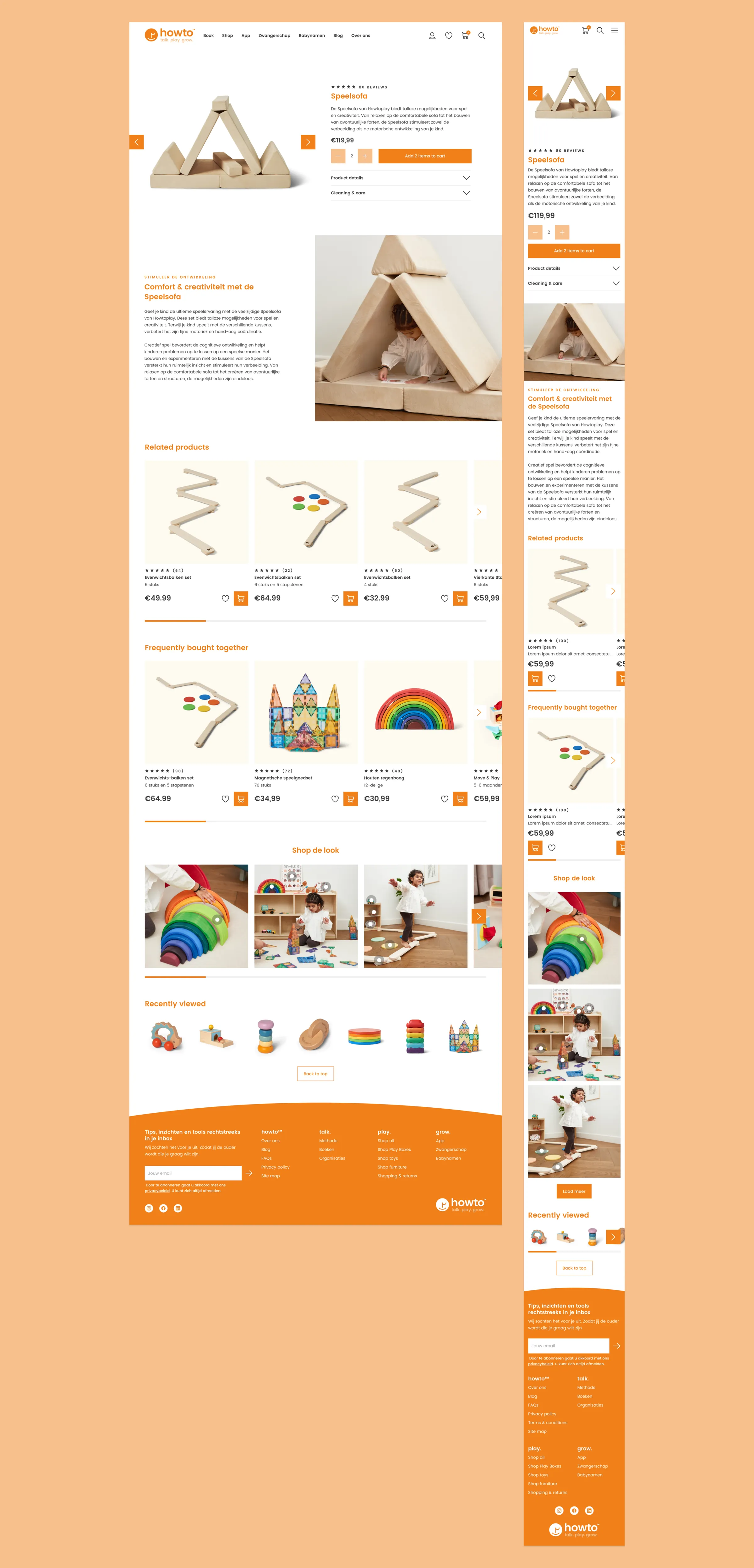
The Howto Group website brings three businesses together in one place: the Howtoplay store sits alongside content and tools for parents, and the footer clearly separates Howtotalk, Howtoplay and Howtogrow products.
Key features include:
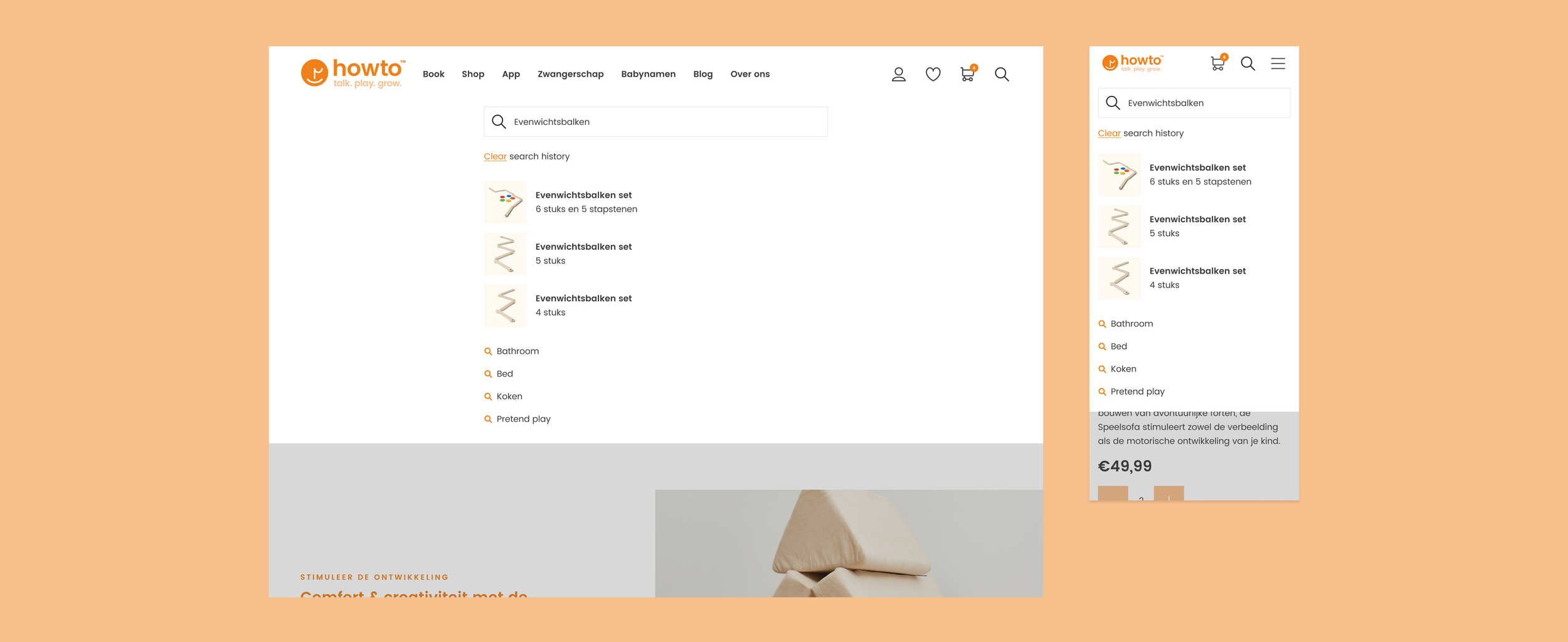
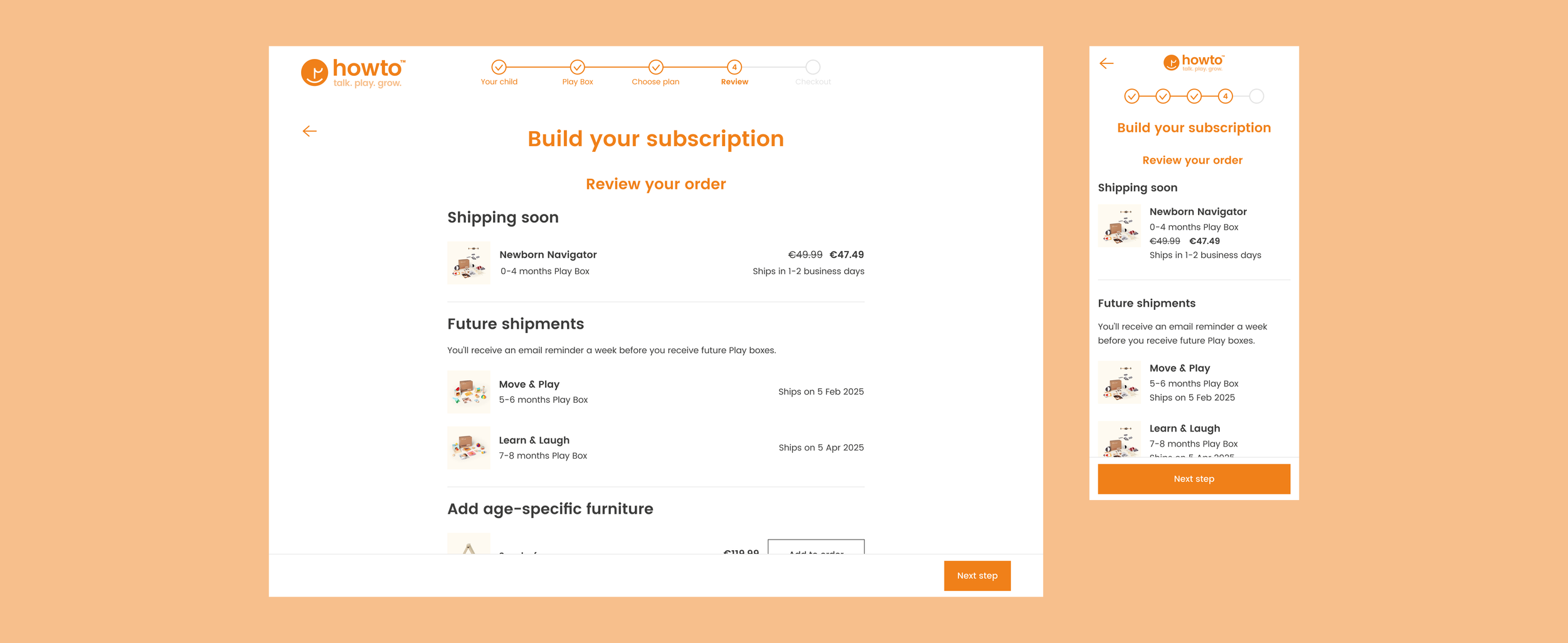
- An online store, checkout and search for Howtoplay’s toys and furniture
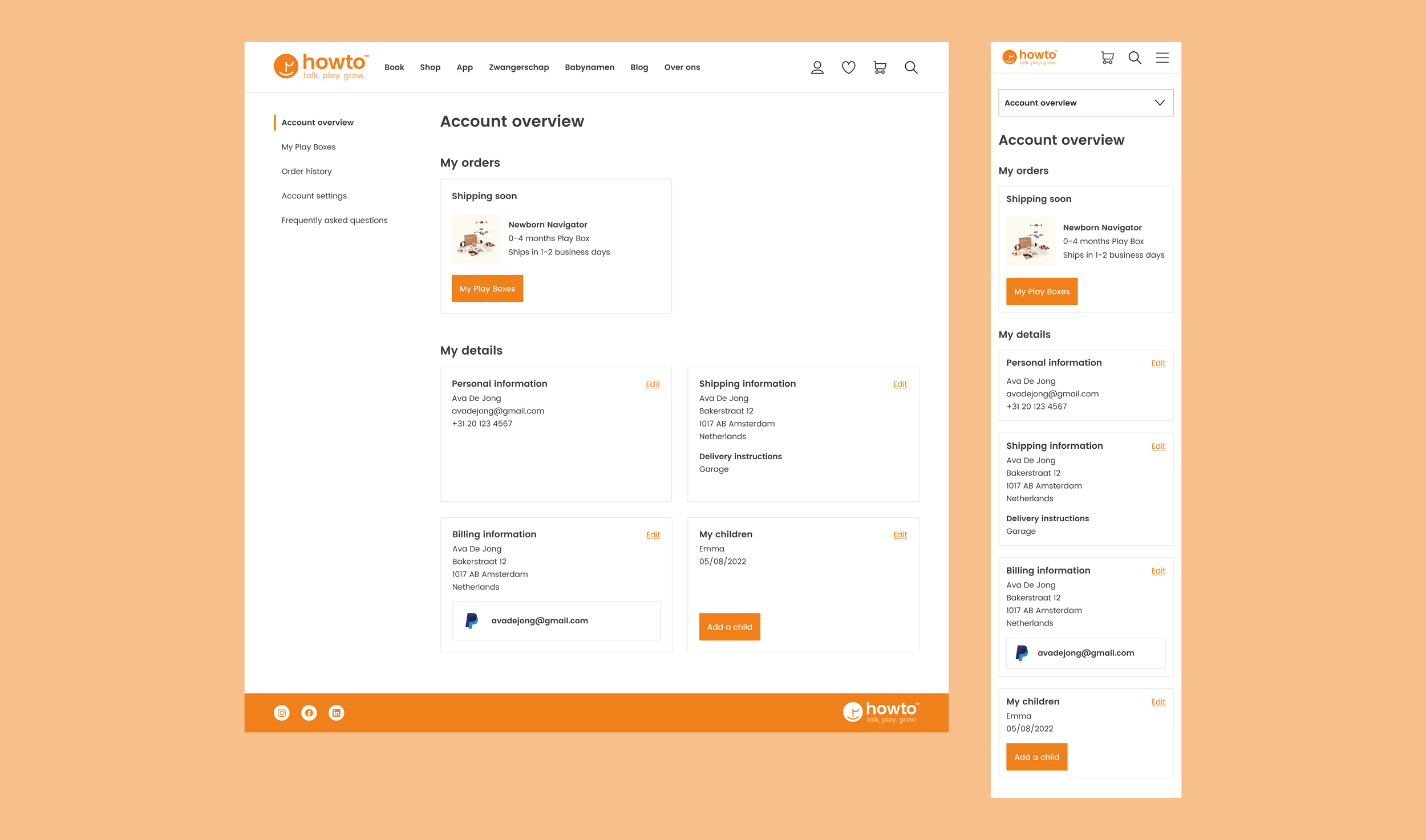
- A log in area to manage account details and Play Box subscriptions
- A baby calendar tool showing child development by age
- A baby name tool for expectant parents
- A help centre for account and product queries
- An articles area for news and updates from the Howto Group
- A footer with news sign-up
Online store
Search
Play Box subscription checkout
Log in area
App research
The app began life as Everge before being rebranded as Howtogrow. I led its design between June 2022 and July 2023 as part of a small team: the co-founders (Head of Product and Chief Content Officer), a Product Content Manager, a Copywriter and two Developers.
User interviews
The team interviewed 15 parents via Teams to understand their motivations and challenges.
Key findings
- Parents wanted to strengthen their bond with their children and create a stable, respectful home: “I want my children to be heard and valued.”
- 80% had more than one child, and techniques that worked with the first often failed with the second and third. Parents knew each child is unique but weren’t sure how to adapt.
- The biggest barriers were lack of time, tiredness and feeling overwhelmed, so techniques must be simple and easy to apply.
Pain points
Interviewees also shared their experience of an early version of the app.
- Search: limited search made content hard to find, so advanced search became a priority.
- Free vs. paid: users weren’t sure which content was free and wanted to try courses before subscribing.
- Tailored content: parents wanted suggestions based on their interests and their children’s ages, and reassurance about privacy.
- Social sharing: users wanted to share content with their partner, friends and family.
Empathy mapping
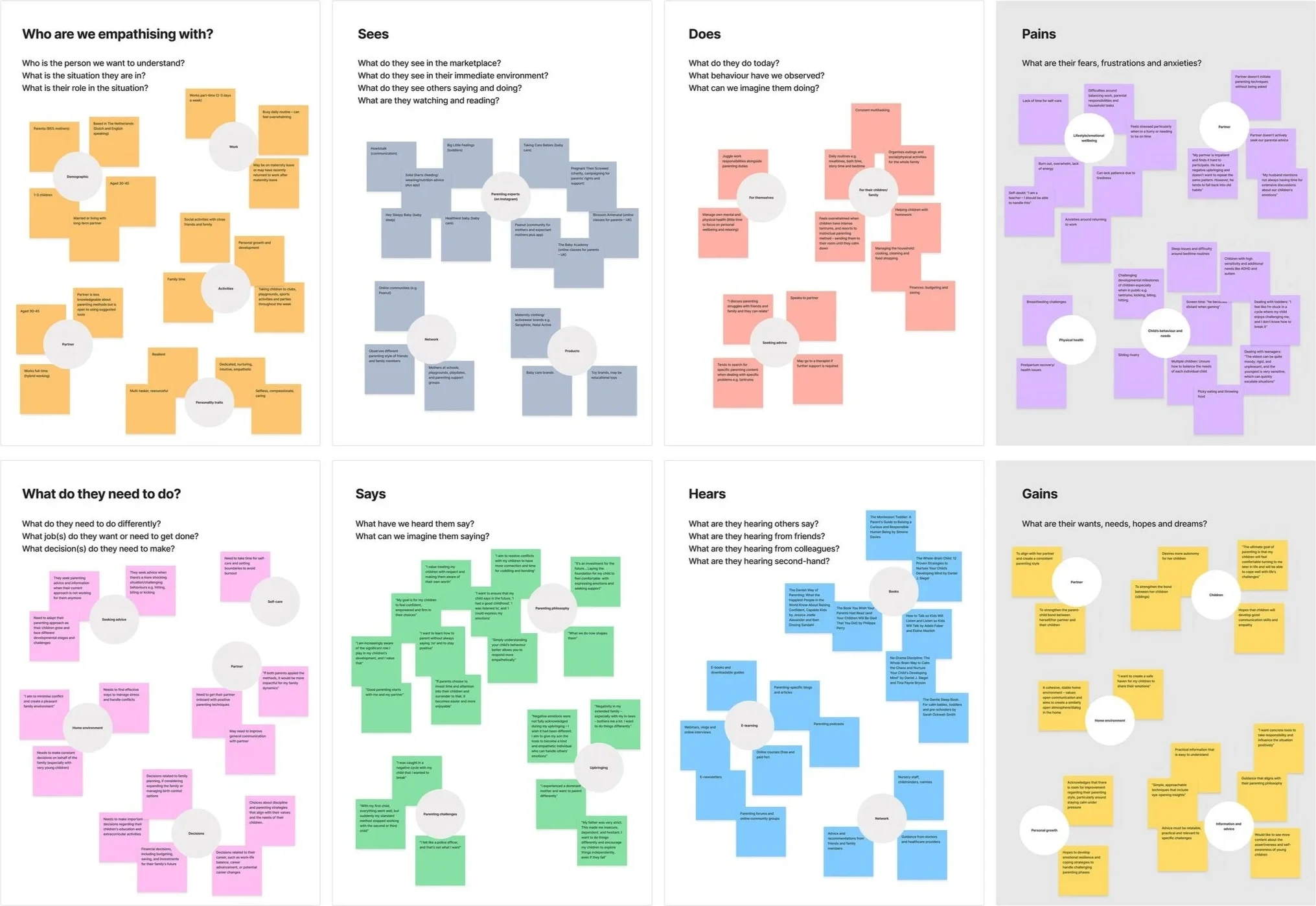
The team then ran an empathy mapping exercise in FigJam, grouping user attitudes, behaviours, needs and pain points into themes.
Persona
The empathy map informed our key persona, a reference point throughout the project.
Mother of three

- Name: Ava
- Age: 36
- Job: Part-time teacher
- Location: Amsterdam
“As a time-strapped parent, I strive for parenting strategies that effortlessly weave into my daily routine.”
Bio
Ava is a part-time teacher, married with three children aged nine, six and two.
Behaviours
Ava is open to trying new positive parenting methods and follows experts on Instagram, including Howtotalk and Big Little Feelings.
Challenges
- Struggles to balance work, parenting and household tasks in limited time
- Her husband doesn’t actively seek out parenting guidance, leaving Ava feeling overwhelmed
Goals
- Better understand her children’s needs and feelings to strengthen their bond
- Explore positive parenting techniques together with her husband
- Access simple, practical techniques that fit her busy routine
Competitor analysis
Throughout the project, the team and I reviewed competitor apps and e-libraries, including Masterclass, Duolingo and Peanut, focusing on training screens, personalisation, search, tone of voice and UI.
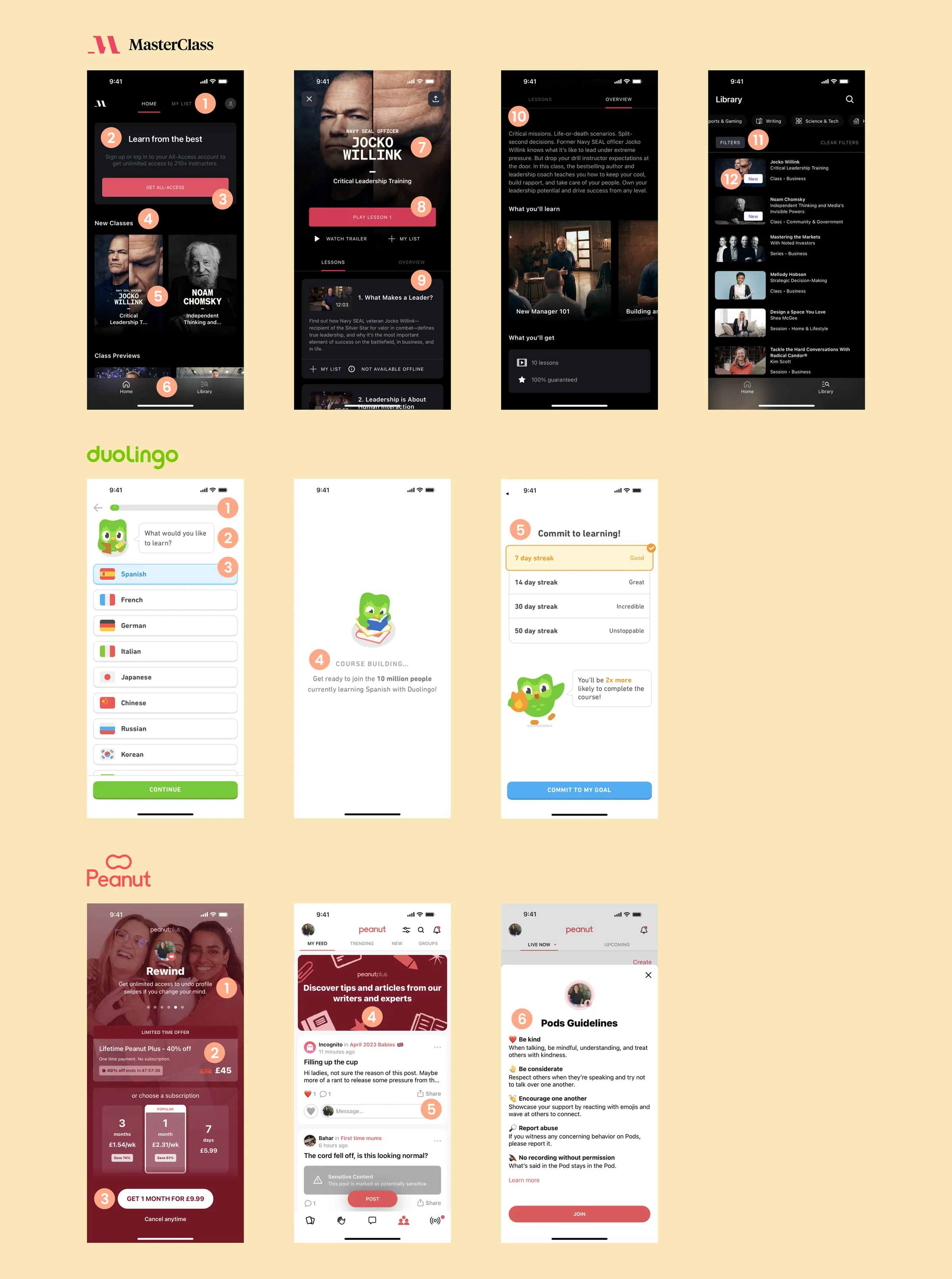
- Masterclass: a minimal nav (just Home and Library) and a primary CTA that updates with the user’s progress, such as ‘Play lesson 1’.
- Duolingo: streaks, progress bars and pull-out stats gamify learning and keep users coming back.
- Peanut: clear subscription messaging, social features and an approachable tone of voice that supports a positive community.
App design
Usability testing
To validate early designs, the team tested high-fidelity Figma prototypes with ten parents.
Key findings
- Citations: parents wanted proof our advice comes from reputable sources, so theory screens now include a citation icon.
- Course thumbnails: generated thumbnails lacked variety, so we opted for individually designed ones.
- Terminology: some users were confused by ‘Bookmarks’ and ‘My library’, which needed to be made consistent across the app.
App designs
I updated the designs in line with the feedback, then handed the Figma designs over to Howtotalk’s front-end developers. A native copywriter translated the English copy into Dutch.
Onboarding
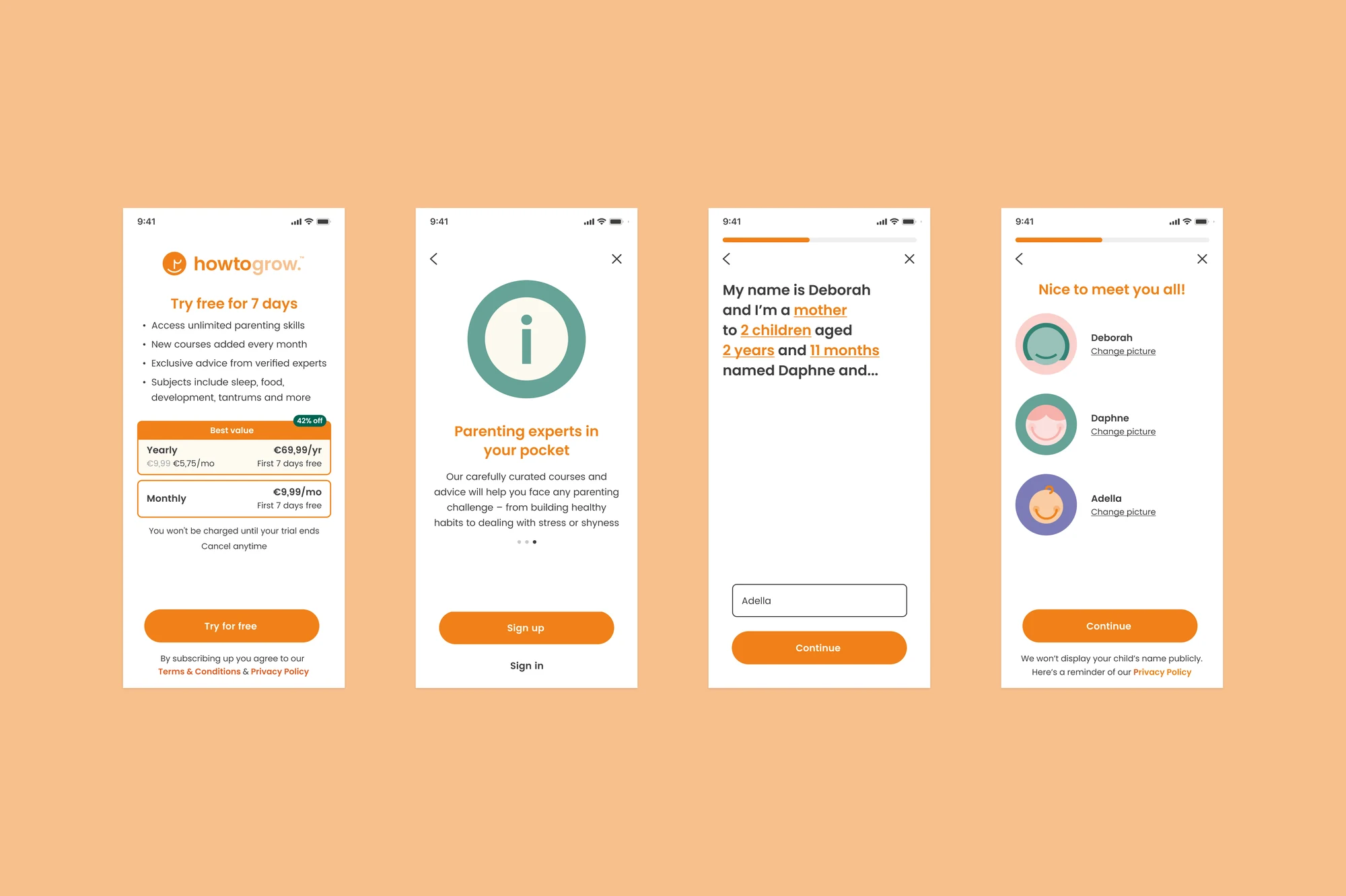
After usability testing, the onboarding flow became:
- Who are we?
- Who are you?
- How can we support you?
Avatar illustrations were created for grandparents, parents, guardians, children and babies.
Parenting course screens
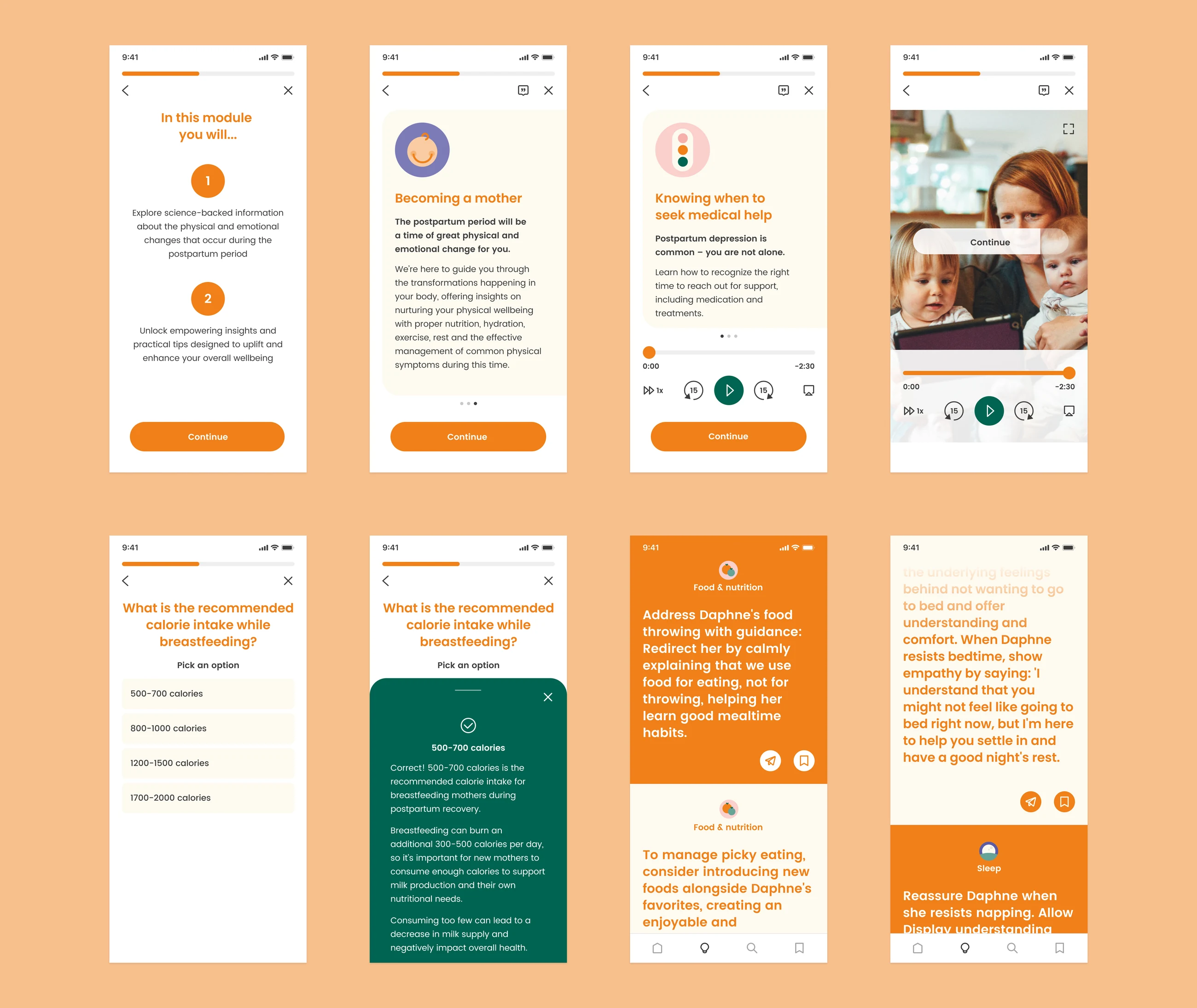
Examples of the flexible training course screens from our design system:
- Navigational/informational screens
- Written theory screens
- Audio theory screens
- Video screens
- Quiz screens
All theory screens include a citation icon where users can review the scientific sources, helping to build trust and credibility.
AI parenting tips
We developed a parenting tips feature using AI, showing parents easy-to-digest, practical advice on a specific subject. Tips reference their children’s names and ages for a personal touch that sets them apart from the free advice experts share on social media. The AI script was written to align with the app’s tone of voice, and tips can be shared or bookmarked for later.
Digital design
Social media
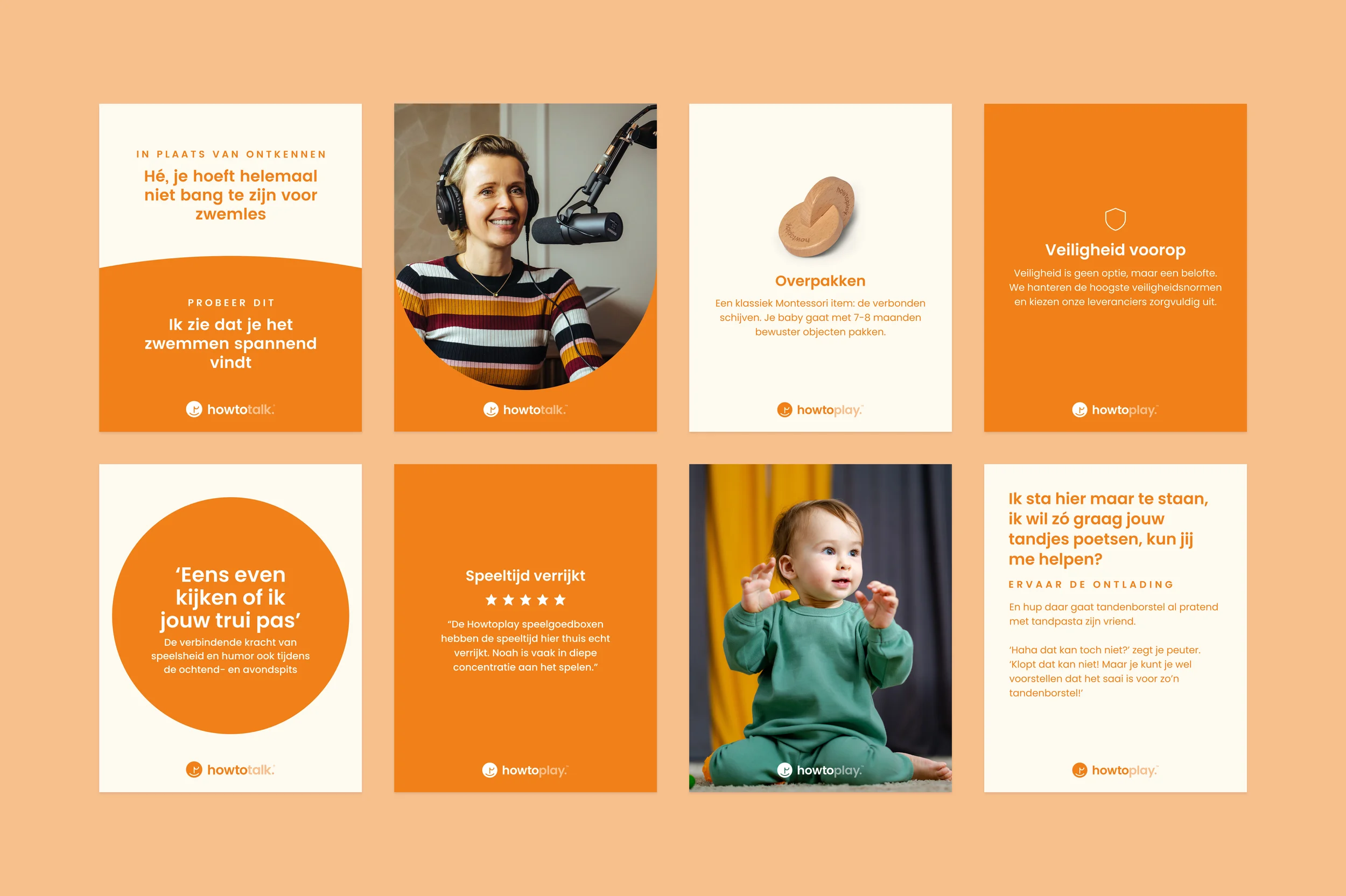
A social media library for Howtotalk and Howtoplay, with editable, auto-layout Figma templates for Instagram and LinkedIn posts, stories, banners and display images.
Email templates
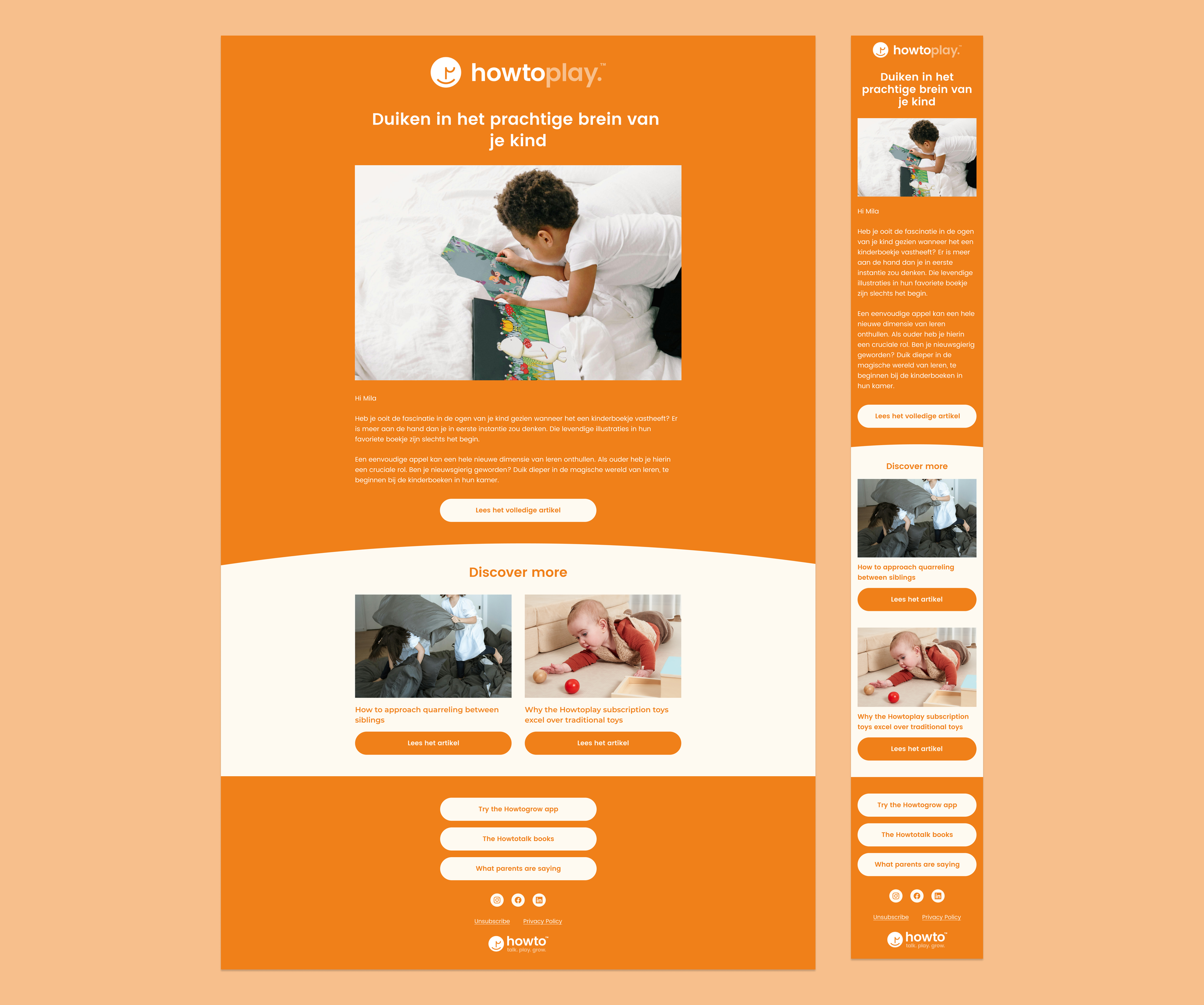
A suite of editable, auto-layout email templates tailored to our parenting community.
Print design
Play guides
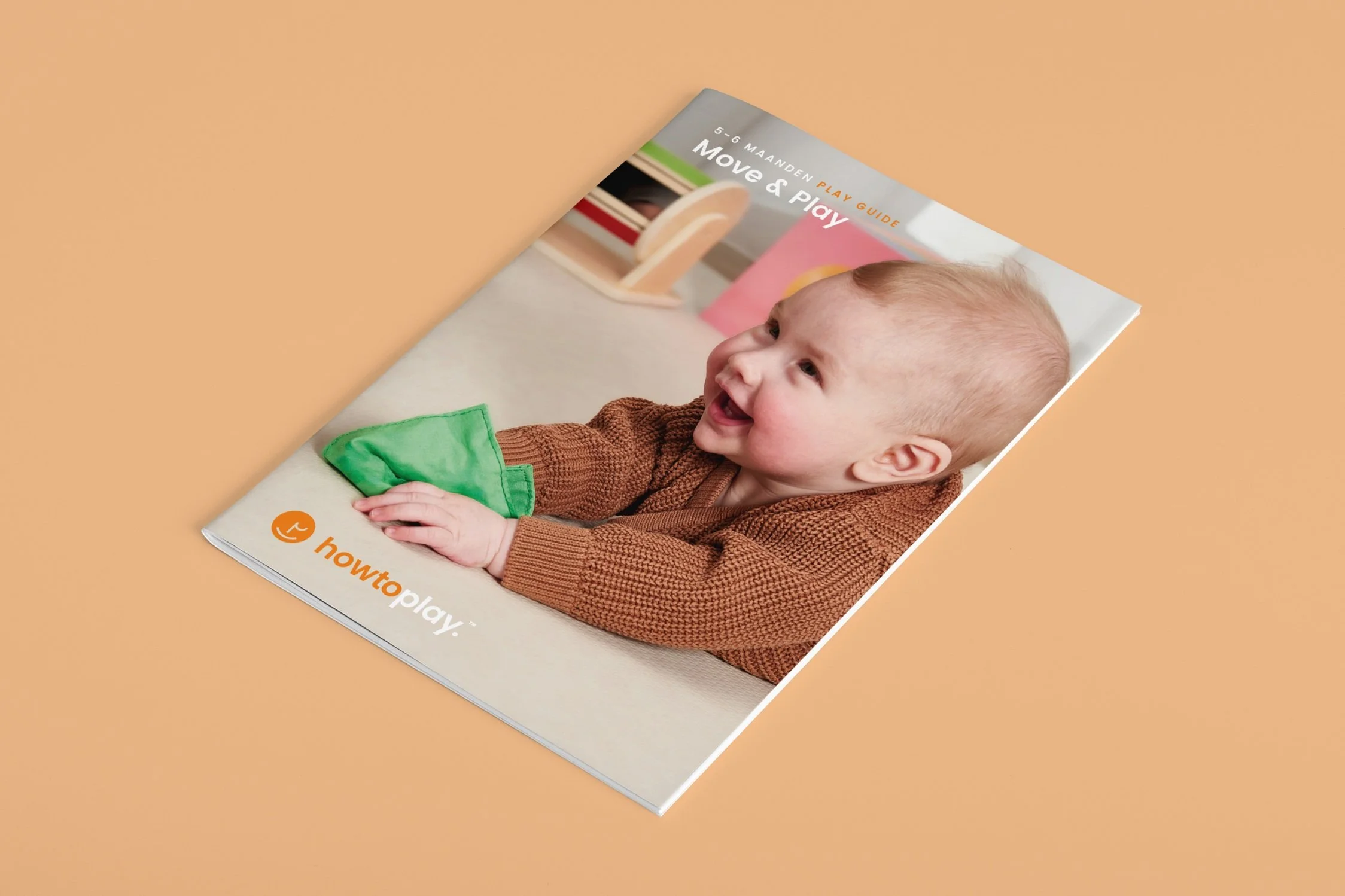
Each Howtoplay play box includes a guide with insights and tips to support a baby’s development at every stage. There are eight so far, with more play boxes in development.
Postcards
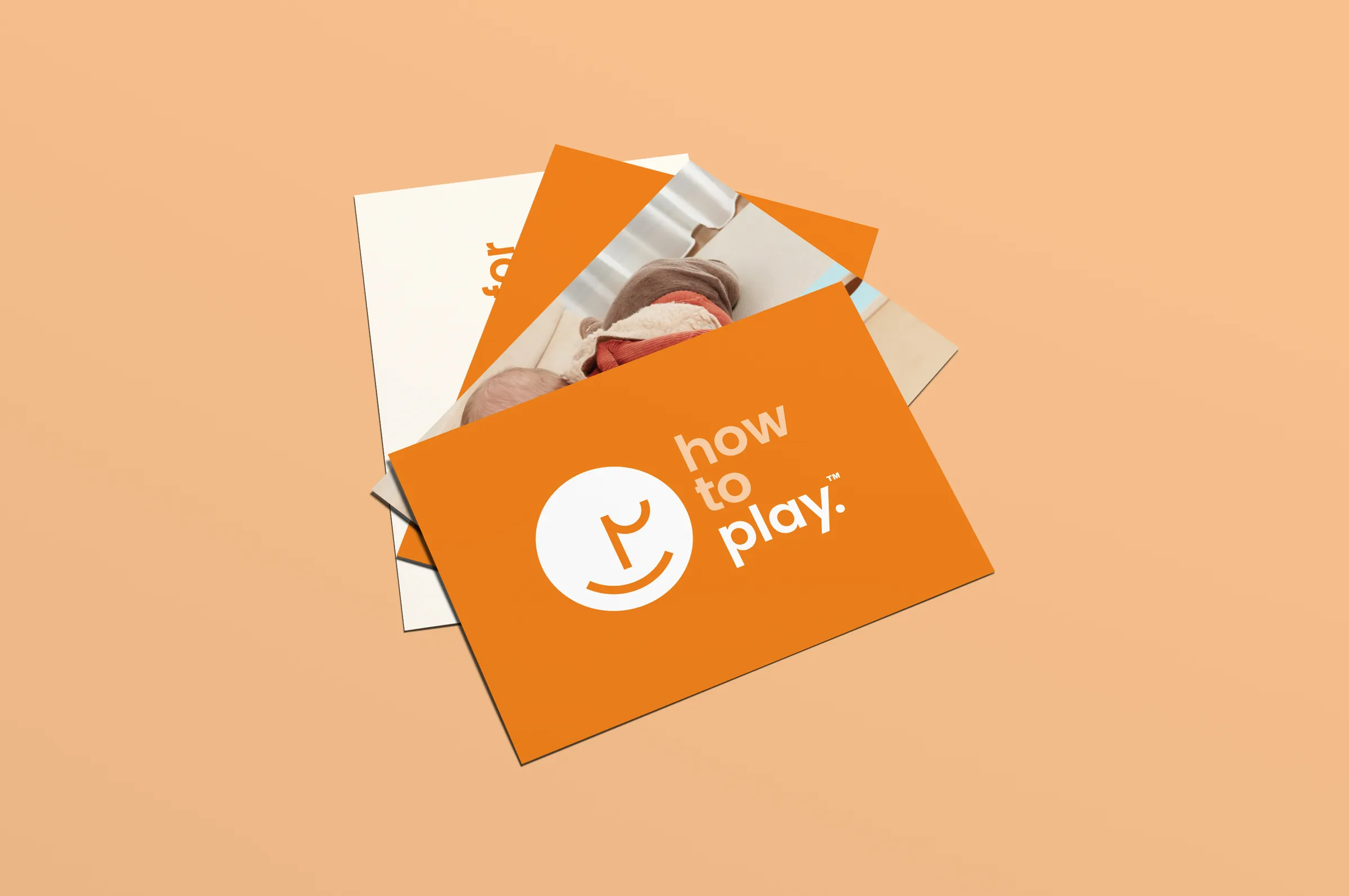
A set of multi-purpose postcards in the refreshed Howto brand.
Testimonials
I've had the pleasure of working with Deborah over the past two years and I would highly recommend her. She's very punctual, creative and takes total ownership of her projects.Thomas, Co-Founder of Howto Group

Deborah’s collaborative spirit and unwavering enthusiasm make her a delight to work with.Caitlin, Content & UX Writer at Howto Group